Walk into almost any guesthouse, Airbnb, or mid-range hotel in Korea and you will find a digital door lock instead of a metal key. These keypad and card-based locks are standard across the country — from budget jimjilbang-adjacent motels in Dongdaemun to boutique stays in Bukchon Hanok Village. Understanding how they work saves you from being locked out at 2 a.m. on your first night in Seoul.
How Korean Digital Door Locks Work
Most Korean digital door locks operate on one of three methods: a PIN code (비밀번호), an RFID card or key fob, or a fingerprint scanner. Budget guesthouses and yeogwan (여관) almost exclusively use PIN codes. Mid-range hotels in areas like Myeongdong or Hongdae typically issue a plastic key card alongside a backup PIN. Upscale properties — think the Lotte Hotel Seoul or Signiel Busan — often combine fingerprint or mobile-app entry with a card fallback.
The lock panel is almost always touch-sensitive. You press the key icon or a star (*) button to wake the display, enter your 4-to-6-digit PIN, then press the lock icon or pound (#) to confirm. The handle clicks and turns within two seconds. If the lock beeps three times and flashes red, you have entered the wrong code — wait five seconds and try again. Three consecutive failures on some models trigger a 30-second lockout, so slow down and double-check the code your host sent.
Battery life is the one weak point. Most locks run on four AA batteries mounted inside the door. When power runs low, the panel flashes a low-battery warning (usually an amber LED) and the beep tone changes. Reputable accommodations change batteries on a schedule, but at a privately rented apartment through Airbnb or Naver Stay you may occasionally find a dying lock. A temporary fix: hold a 9V battery against the two metal contacts at the bottom of the exterior panel — this gives just enough power to enter your PIN and get inside to replace the AA cells.
Checking In Without a Front Desk
Self-check-in is now the norm at Korean guesthouses priced between ₩40,000 and ₩90,000 per night. Hosts typically send the PIN via KakaoTalk message — Korea’s dominant chat app — an hour or two before your arrival time. If you do not have a Korean SIM, make sure your host has your email or WhatsApp before you land at Incheon International Airport.
For short-term apartment rentals in areas like Itaewon, Mapo-gu, or around Busan’s Gwangalli Beach, the host will often assign you a unique temporary PIN that expires at your checkout time. This is a built-in security feature of higher-end lock models such as the Samsung SHP-DP920 or the Gateman Z10, both widely used across Korean apartment buildings. You cannot extend the code yourself — you must contact the host for a renewal if your stay changes.
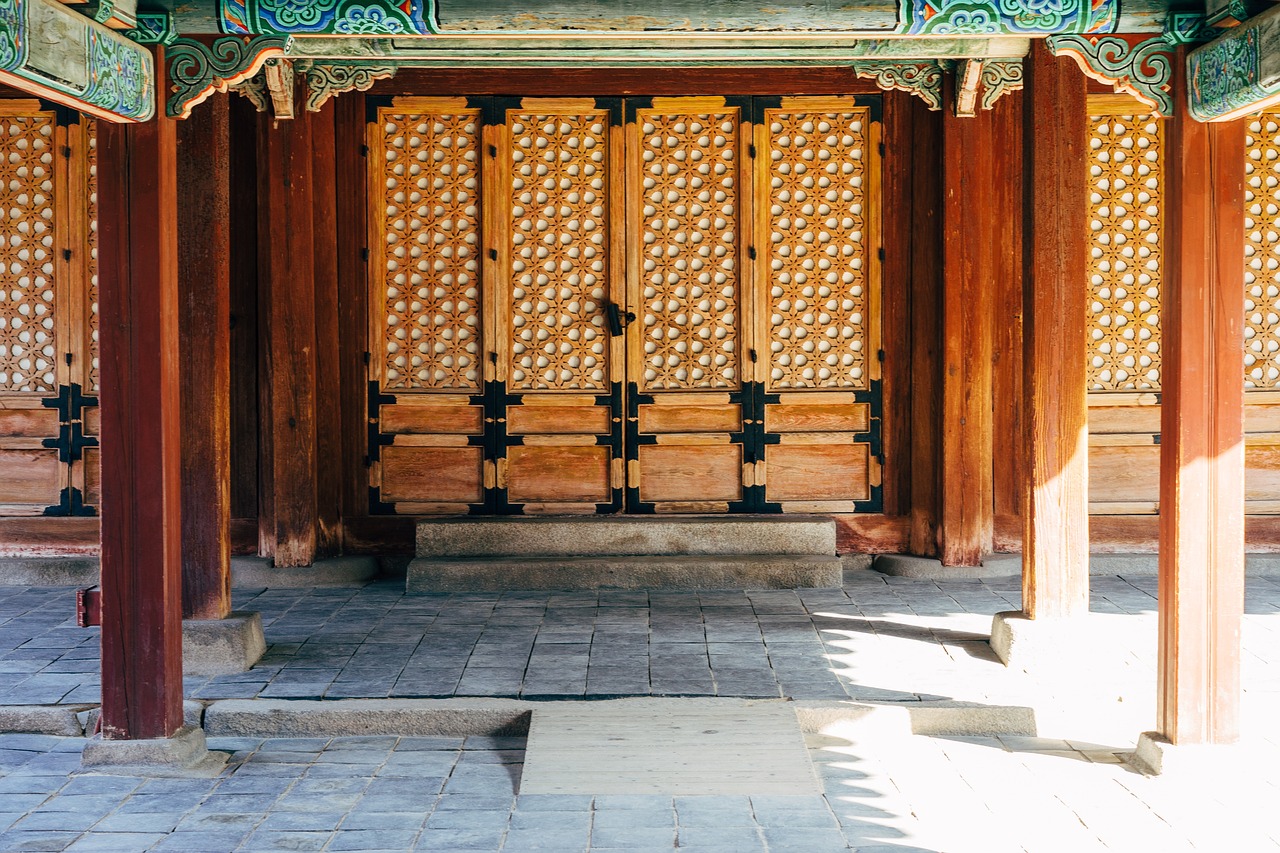
Hanok guesthouses in Jeonju’s Hanok Village and Gyeongju near Bulguksa Temple often use the same keypad system inside a traditional wooden gate. Do not be surprised when an 800-year-old-style courtyard has a glowing blue touchpad mounted to the door frame. The host code is usually posted inside the entrance on a laminated card as a backup.
Common Problems and How to Fix Them
- Wrong PIN error repeatedly: Confirm you are pressing the activation button first. Entering digits on a sleeping panel does nothing — wake the screen first.
- Lock beeps but door won’t open: The door may not be fully pulled shut. Korean apartment doors are heavy and must be flush against the frame before the bolt retracts cleanly.
- Card not reading: Hold the card flat against the sensor pad for a full two seconds rather than tapping and removing. Interference from thick wallets or stacked cards can block the RFID signal.
- Dead battery, no 9V backup: Call your host immediately. Convenience stores (GS25, CU, 7-Eleven) are open 24 hours and sell AA batteries for around ₩2,500 to ₩3,500 per pack. An emergency locksmith (열쇠 수리) in Seoul charges ₩50,000 to ₩100,000 for a night call — always try the host first.
- Locked yourself out with belongings inside: Most Korean buildings have a building manager (관리인) accessible via an intercom panel in the lobby. In apartment complexes in Gangnam or Haeundae, the management office is open until 10 p.m. and can reset or override the lock.
Buying a Digital Lock as a Souvenir or for Home
Korean digital locks are legitimately popular purchases among visitors who want to install one at home. Brands like Samsung SDS, Gateman, and iRevo are sold at Lotte Hi-Mart and E-Mart electronics sections throughout Seoul and Busan. Entry-level PIN-only models start at around ₩80,000. Fingerprint plus PIN combo models range from ₩150,000 to ₩300,000. High-end smart locks with mobile app control and auto-lock timers (Gateman F300, Samsung SHP-DP940) retail for ₩350,000 to ₩500,000.
If you plan to ship one home, check voltage and bolt compatibility first — Korean door frames are typically 40 mm thick and use a mortise lock standard that may differ from doors in North America or Europe. The staff at Techno Mart in Gwangjin-gu, Seoul, or Busan’s Seomyeon Lotte Department Store electronics floor can advise on export-compatible models.
PIN vs Card vs Fingerprint: Which Should You Rely On?
Not every lock method suits every traveller, and it is worth knowing the trade-offs before you assume your accommodation works a certain way. A PIN-only lock is the most universal option — nothing to lose, nothing to charge, and it works the same on your last night as your first. The downside is that a PIN typed in front of you at a busy hostel entrance is not exactly private; shield the keypad with your other hand the way you would at an ATM. Card-based locks (the tap-and-enter type common in Myeongdong and Hongdae mid-range hotels) are faster day to day and double as a housekeeping-request signal when left in the door slot for power, but they are also the easiest to lose — replacement cards at the front desk are usually free on the first loss and ₩5,000 to ₩10,000 afterwards as of 2026, verify before visiting since policies vary by property. Fingerprint and app-based entry, found at newer serviced apartments and higher-end hotels, remove the lose-it-or-forget-it risk entirely but depend on the sensor reading correctly; cold, dry fingers in Korea’s winter months sometimes fail to register on the first try, so keep the backup PIN your host provided rather than deleting the message.
Choosing between these matters most if you are booking a stay longer than a week. For a one- or two-night hostel stay, a shared PIN is fine and simplest. For a monthly officetel or long-term Airbnb, first nail down where to stay in Seoul, then ask whether the host can assign you a personal PIN rather than the property’s standard code — most Gateman and Samsung SDS models support up to 20 to 30 individual user codes, and a personal one is safer since it can be deleted the moment you check out rather than left active for the next guest.
One local tip that rarely appears in official guides: many Korean digital locks emit a distinct double-beep and a green flash when the door is left slightly ajar rather than fully latched, which is different from the error tone for a wrong PIN. If you hear this on leaving your room, push the door firmly closed from the outside and listen for the bolt to extend — otherwise the lock may appear “locked” on the panel while the door itself swings open with a light push, a security gap that is easy to miss if you are in a hurry to catch the subway.